Ransomware Against NAS Devices: Maintenance Comes First
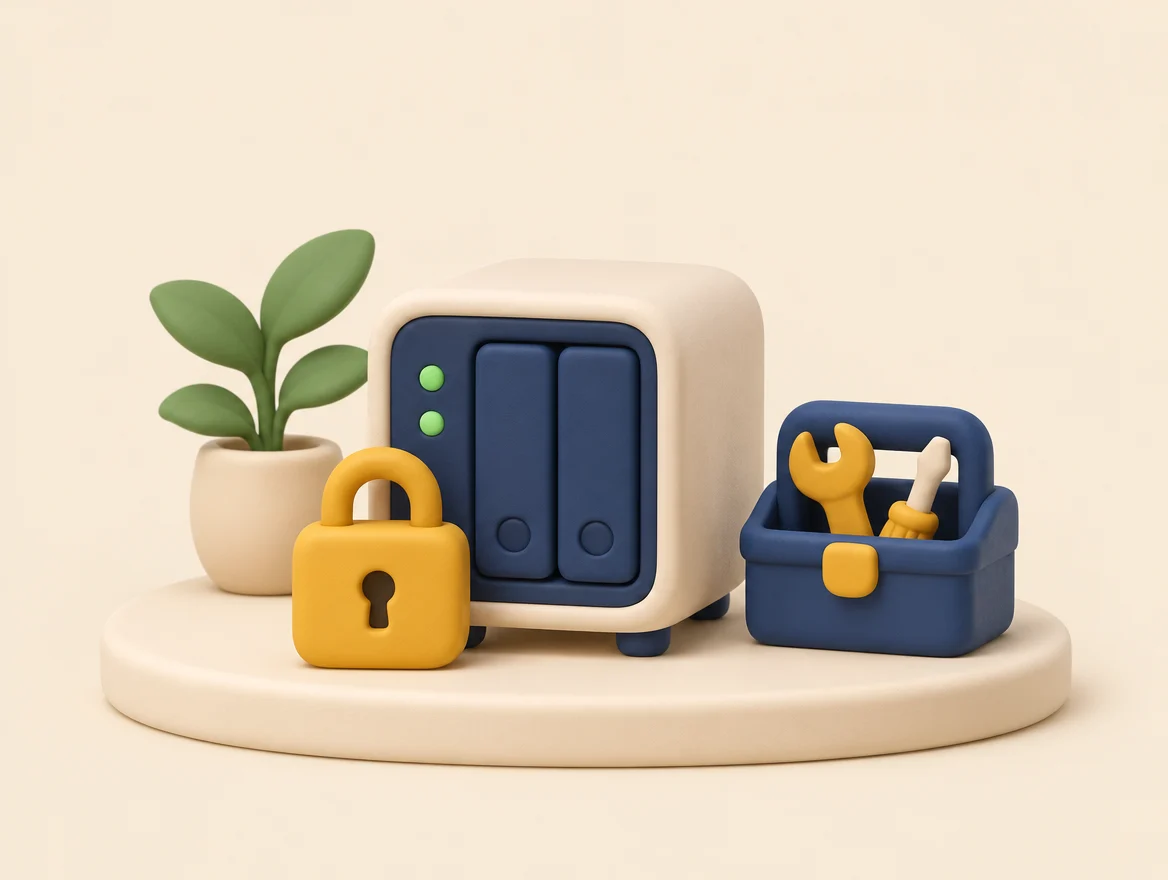
- What happened: attackers locked the files on Synology network storage boxes (NAS) running an outdated system, then demanded money.
- Why: the flaw used, a security weakness, had been fixed as far back as December 2024, but the fix had not been installed.
- What to do: update, leave nothing reachable from the Internet, and keep a copy of your files off the device.
This article relies on the sources cited at the bottom of the page (official notices and, depending on the topic, specialized press). Despite our checks, an error is still possible: when in doubt, the original source prevails.
Do you keep your photos, documents and invoices on a NAS? Ransomware can lock all of it, but a few simple habits make a real difference.
🔐 What is ransomware on a NAS?
A NAS is a storage box connected to your network. Ransomware is malicious software that makes your files unreadable, like a lock whose key the attackers keep, then demands money.
On October 29, 2026, Synology, the manufacturer, issued a warning: attackers are locking the files of NAS devices whose system, called DSM, had not been updated in a long time, then demanding a ransom. The most exposed are those whose settings page is reachable from the Internet.
⏳ Why were these devices attacked?
Because their system was not up to date. According to Synology, the flaw used had been fixed in December 2024: the fix had existed for nearly two years, and in October 2026, some devices still had not received it and were being attacked.
For the September and November flaws, Synology states there is no workaround: only the update fixes the problem.
What should I do if my files are already locked?
Don’t panic: updating closes the flaw, but does not make files that are already locked readable again. Proceed as follows:
- isolate the device: unplug it from the network;
- keep the evidence: the ransom note and a few locked files;
- do not pay based on the note alone;
- restore only from a clean backup, a spare copy that was not on the same device;
- then change all your passwords, and ask for help.
💾 Why keep a copy off the device?
A backup stored on the attacked device can be locked at the same time as everything else. That is why specialists insist on offline copies and on restore tests, which confirm that you can actually get your files back.
Remember the three-copy rule: the original on the server, one on an unplugged drive, one elsewhere. It’s the seatbelt for your files.
🚪 How do I reach my files from outside?
Synology and QNAP recommend not making the administration page reachable from the Internet, and going through a VPN instead. A VPN is an encrypted tunnel, a connection whose content is scrambled for prying eyes. Picture a house with no door facing the street, with a single passage reserved for your own devices.
A tunnel limits the open doors, but its software also has to be kept up to date.

- Open your NAS settings and turn on automatic updates.
- On your router (the device that connects your home to the Internet), check that no port forwarding rule leads to the NAS (that setting would open a door to the outside) and that the administration page is not reachable from the Internet.
- Plug in an external drive, copy your important files to it, then unplug it and put it away.
- Open a file from that copy to confirm it works.
- Give the device a unique password, with two-factor authentication (one more code at sign-in) if it is available.
💡 Worth remembering. No system is safe from everything, not even a well-maintained server. Some flaws are made public before they are fixed. Maintenance reduces the risks, without removing them.
One update, one unplugged copy, and your memories are already much better protected. 🙂
🏡 And with a Home lab?
We install the server without exposing it directly to the Internet, with access through an encrypted tunnel. A backup is scheduled every night and, if you keep it, a monthly offline copy, with a trial restore done in front of you at delivery, and the optional monthly support plan follows the updates. This reduces the risks without removing them: see Home lab and our articles.
Frequently Asked Questions
Is updating my NAS enough?
Not for files that are already locked: the update closes the flaw, but does not make them readable again. Keep a copy off the device.
Should I pay the ransom?
Do not pay based on the note alone. Isolate the device, then ask for help.
How many devices were affected?
No source we read gives that number.
🔎 Learn more
The September and November flaws. On September 18, Synology fixed several DSM flaws, two of them rated 9.8 out of 10 in severity. They were exploitable remotely, without a password. On November 10, a new critical notice came out, with two more flaws of the same kind. As far as we know, no attack has been reported for this latest notice as of November 14.
The link to the attacks. A security firm linked some attacks to the September flaws, but Synology does not confirm this. For Synology, the attacked devices share one thing in common: their system was not up to date. A device not set to update automatically quickly falls behind.
The most exposed devices. According to the specialized press, this ransomware is called C3RB3R. The most exposed are those whose administration page, the box’s settings screen, is reachable from the Internet. HKCERT’s guidance, Hong Kong’s computer emergency response team, insists on offline copies, as does the press.
The point of entry. Experts do not agree on exactly how the attackers get in, and no source we read gives the number of devices affected. The analysis we cite at the bottom of the page remains cautious.
Sources
Want to check for yourself? The links below lead straight to the original texts: feel free to take a look, it’s always worth it.
- Synology, statement on ransomware attacks (October 29, 2026): www.synology.com/…Synology urges users to update DSM following ransomware attacks on outdated DSM versions
- Synology, security advisory SA-26:13 (September 18, 2026): www.synology.com/security/advisory/Synology_SA_26_13
- Synology, security advisory SA-26:19 (November 10, 2026): www.synology.com/…Synology_SA_26_19
- BleepingComputer, “Synology warns customers of ongoing C3RB3R ransomware attacks”: bleepingcomputer.com/…synology-warns-customers-of-ongoing-c3rb3r-ransomware-attacks
- Gridinsoft, cautious analysis on the point of entry: blog.gridinsoft.com/synology-c3rb3r-ransomware-nas-backups
- HKCERT (Hong Kong’s computer emergency response team), bulletin on the attacks against Synology: www.hkcert.org/…security-alert-ransomware-attacks-targeting-synology-nas-devices_20261102