The end of 32-bit: why everything is moving to 64-bit, and what it changes at home
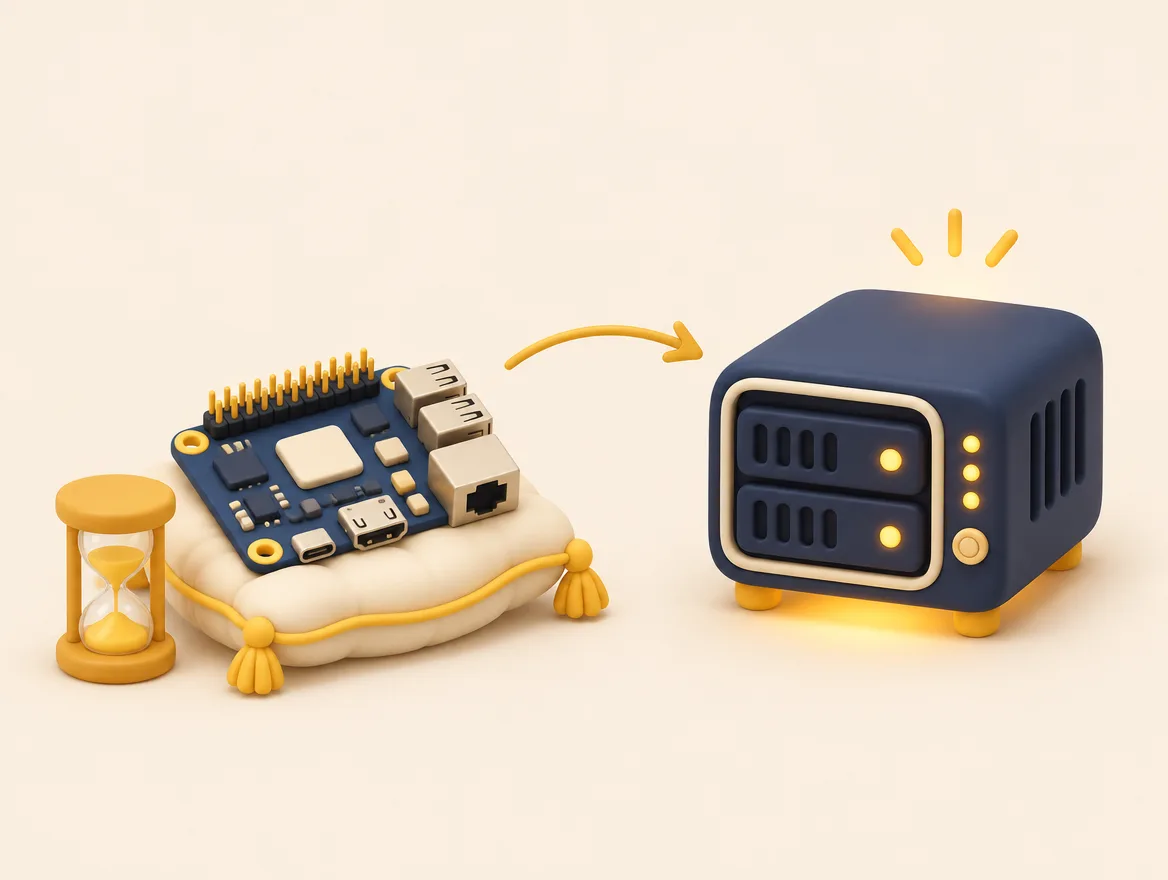
Computing is slowly dropping 32-bit processors and systems. Here is why, how to tell if your computer or your Raspberry Pi is affected, and why all our Home labs run on 64-bit.
1. 32-bit, 64-bit: the difference in one picture
Picture a filing cabinet. A 32-bit system can only number about four billion drawers: it cannot use more than 4 GB of memory, even if the machine has more. A 64-bit system has no such limit. A server that keeps photos, runs several services and an artificial intelligence assistant needs 16, 32 or 64 GB.
2. Why the industry is turning the page
- Memory. The 4 GB limit has become too narrow for today’s software.
- Upkeep cost. Every piece of software must be prepared, tested and fixed for each type of processor. Keeping a 32-bit version alive for fewer and fewer users costs time that teams would rather spend on security.
- Hardware. Almost everything sold in the last ten years is 64-bit.
3. What has already changed
- Windows 11 requires a 64-bit compatible processor: it no longer installs on a 32-bit processor.
- Debian 13, one of the most widely used Linux systems, no longer has an official kernel or installer for 32-bit PCs (i386), and it is the last release for the architecture (armel) that still covers the very first Raspberry Pi boards (Pi 1, Zero, Zero W).
- On the home automation side, a change announced for Home Assistant OS has, since spring 2026, dropped support for several 32-bit architectures: affected installations no longer receive new versions.
- Software images from linuxserver.io, widely used on small servers, started winding down 32-bit ARM support as early as 2022.
Nothing stops overnight. But a server that no longer receives updates becomes, month after month, a poorly closed door.
4. How to tell if you are affected
- The model. Raspberry Pi 1, first-generation Pi Zero and early Pi 2 boards: 32-bit processor, no way forward. Pi 3, Pi 4, Pi 5, Pi Zero 2: 64-bit processor, but often set up with a 32-bit system.
- The system. In a terminal, type
uname -m. The answeraarch64orx86_64: you are on 64-bit. The answerarmv7lorarmv6l: you are on 32-bit. - In Home Assistant. Settings, then About, then Hardware: the board type shows whether it is 64-bit or not.
5. What to do
- 64-bit board, 32-bit system. Back up, reinstall the 64-bit version, restore. One evening, nothing to buy.
- 32-bit board. It can end its working life as a clock, a sensor or a display, off the Internet. It should no longer hold your files.
- In every case. A tested backup before touching anything.
6. Our rule
Every Home lab we install is a 64-bit machine, with a system that receives its security fixes automatically. A Raspberry Pi can play an accessory role in it, never that of the only server.
Let’s talk about it: the Discovery meeting is free, by video call or at your place in Montréal and the surrounding area.
See the Home lab page